01
Record the whole analysis
Your voice, where you scrub, what you zoom into, and every mark as you make it. Hit Play Analysis to watch it back.
 Pretty Good
TestFlight beta · iPhone · iOS 17+
Frame-accurate movement analysis for clinicians.
Capture a client's movement, then record the whole analysis: your voice, the frame you scrubbed back to, the angle you drew on the joint. They get the explanation, not just the clip.
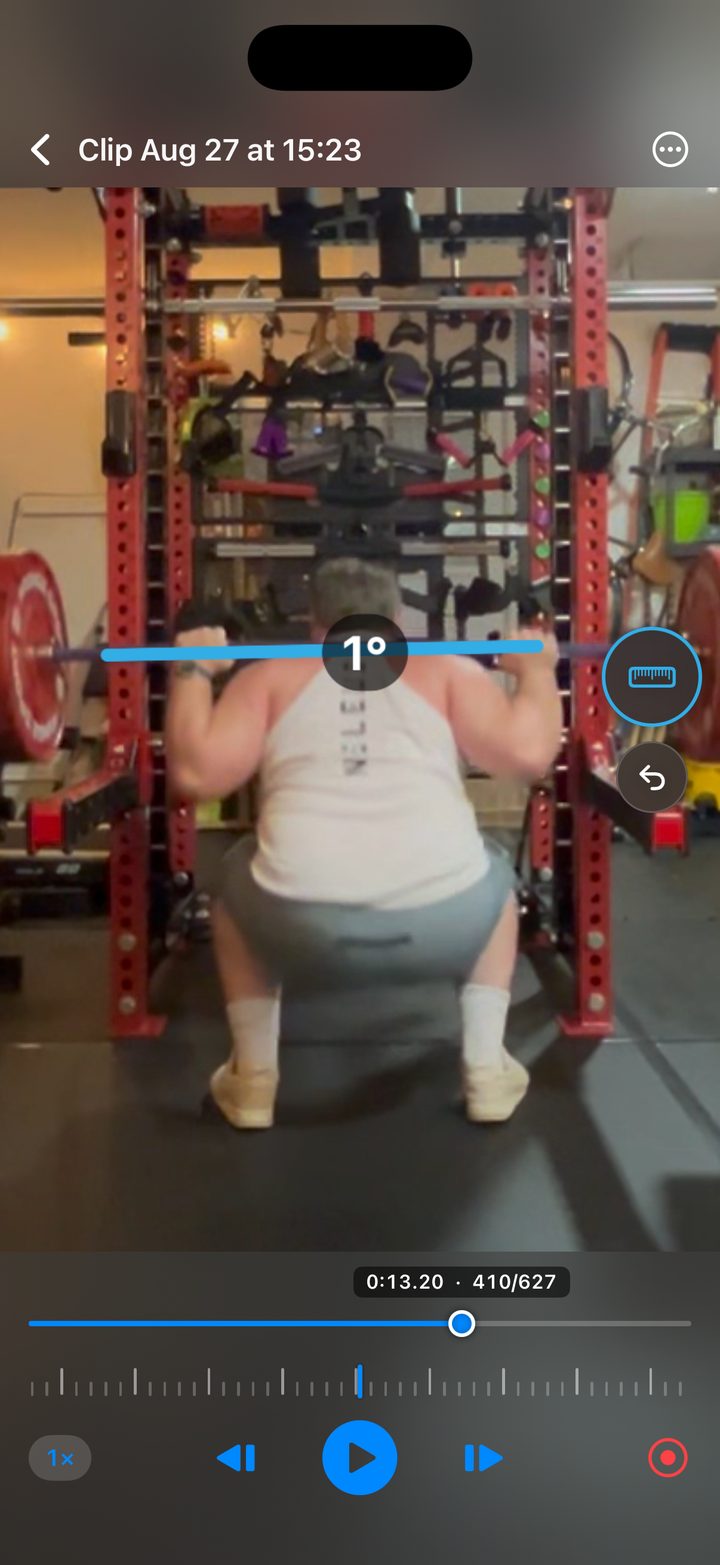
The session, end to end
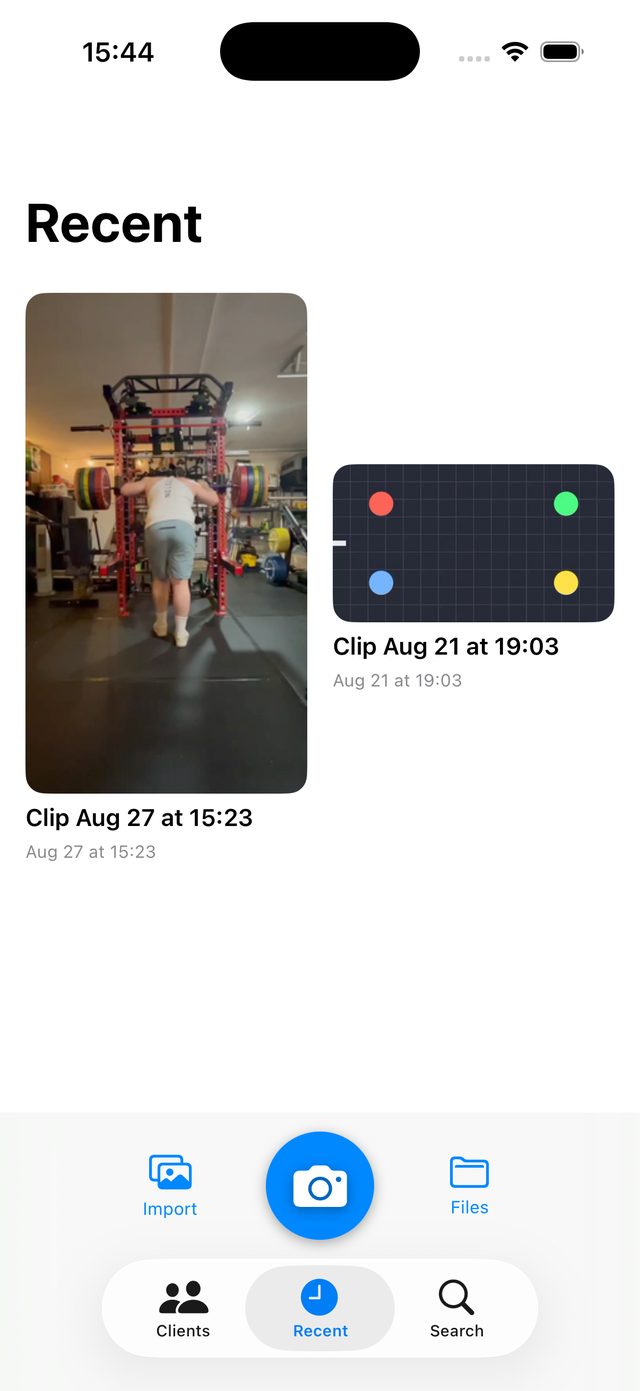
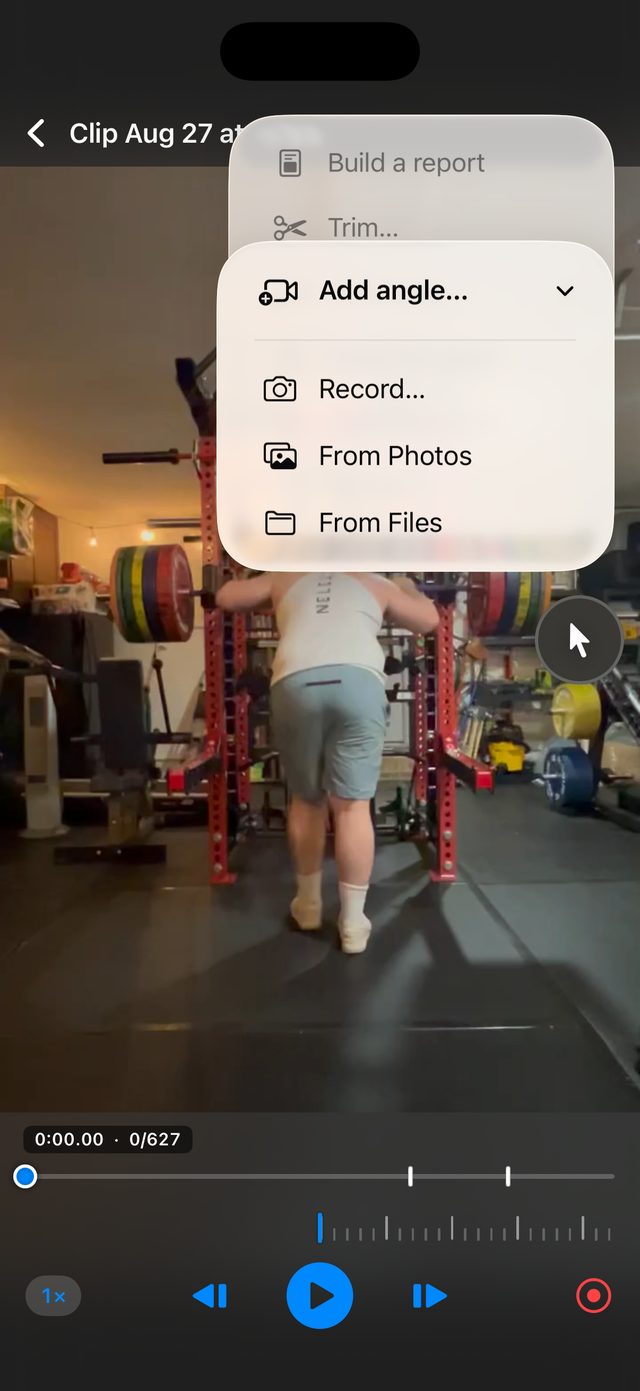
Record in-app, front, back and both sides, without leaving the camera between takes. Or pull a clip in from Photos.
Hit record and work the clip the way you would explain it out loud. Scrub back, zoom in, draw on the joint.
Play the analysis back, share the marked-up clip, or export a PDF of the moments that matter.
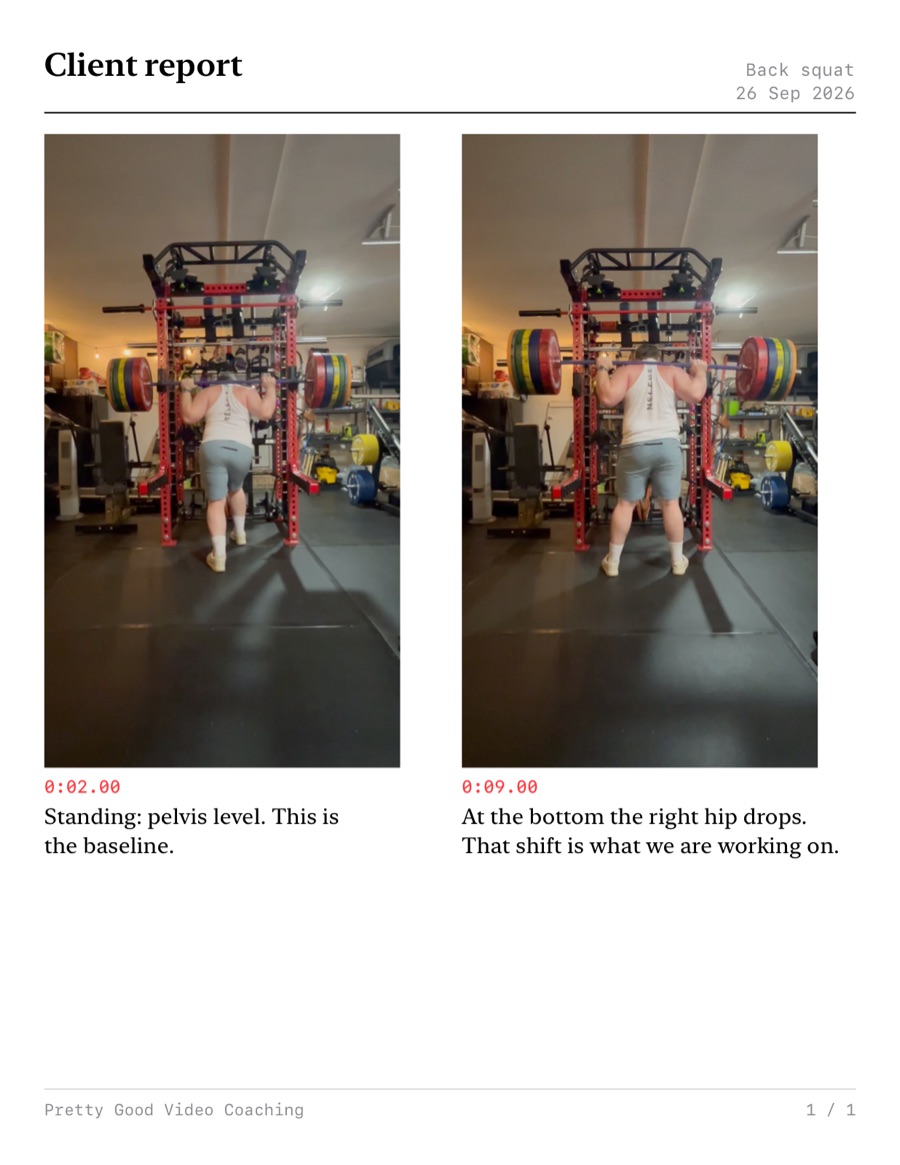
New in this build
Put a second moment beside any report page: another point in the same lift, or another camera on the same moment.
Around the measurement
Your voice, where you scrub, what you zoom into, and every mark as you make it. Hit Play Analysis to watch it back.
Set an angle on the joint or drag a measured line. Nothing snaps to a rounder number. The reading is where you put it.
Shoot up to 240 fps, play at 1×, ½× or ¼×, and step a frame at a time on the tick strip.
Film front, back and both sides in one go. Each angle keeps its own drawings, so a knee angle measured side-on stays on the side view.
Cut the settling-in and the slow-down. Nothing is deleted, and any cut can be restored later.
Export the analysis as a plain video with your narration, marks and zoom baked in. No app required to watch it.
Turn on live joint tracking through slow motion and frame-by-frame. It runs on the phone.
On your iPhone
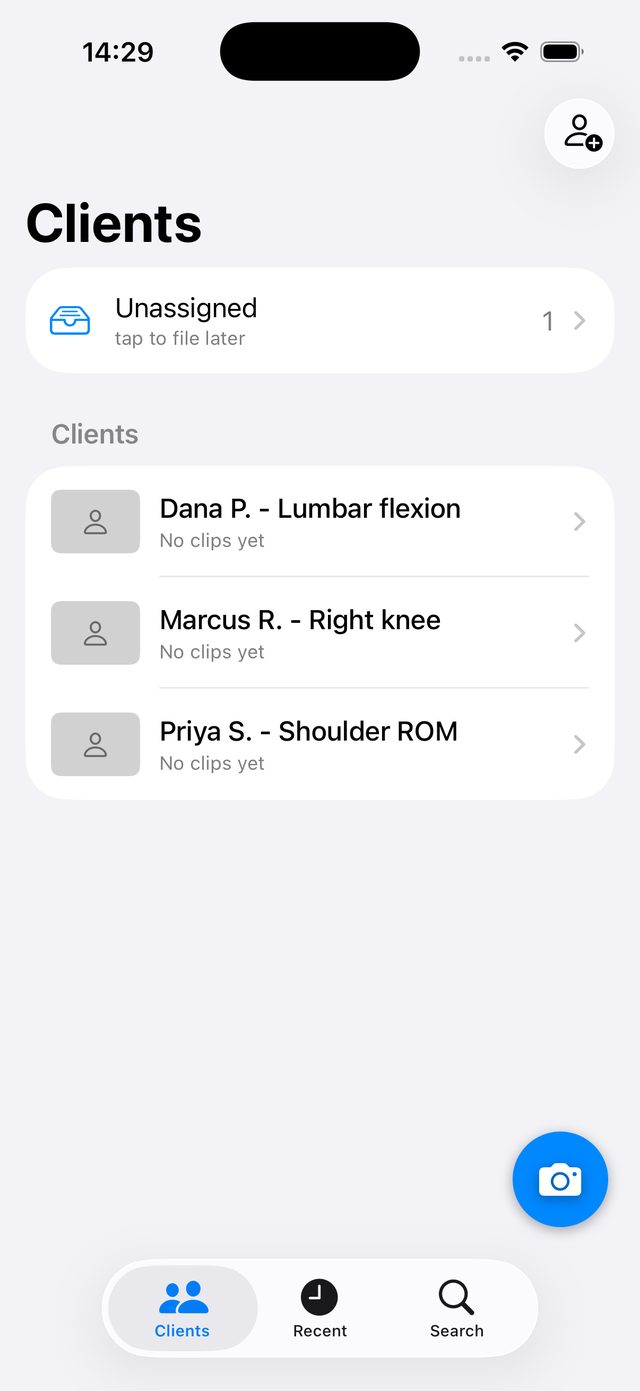
Shoot into a client from the camera, or drop clips in Unassigned and sort them later. One clip holds up to four angles of the same movement, each keeping its own drawings. No folders to manage, no accounts to set up.
The thing you hand over
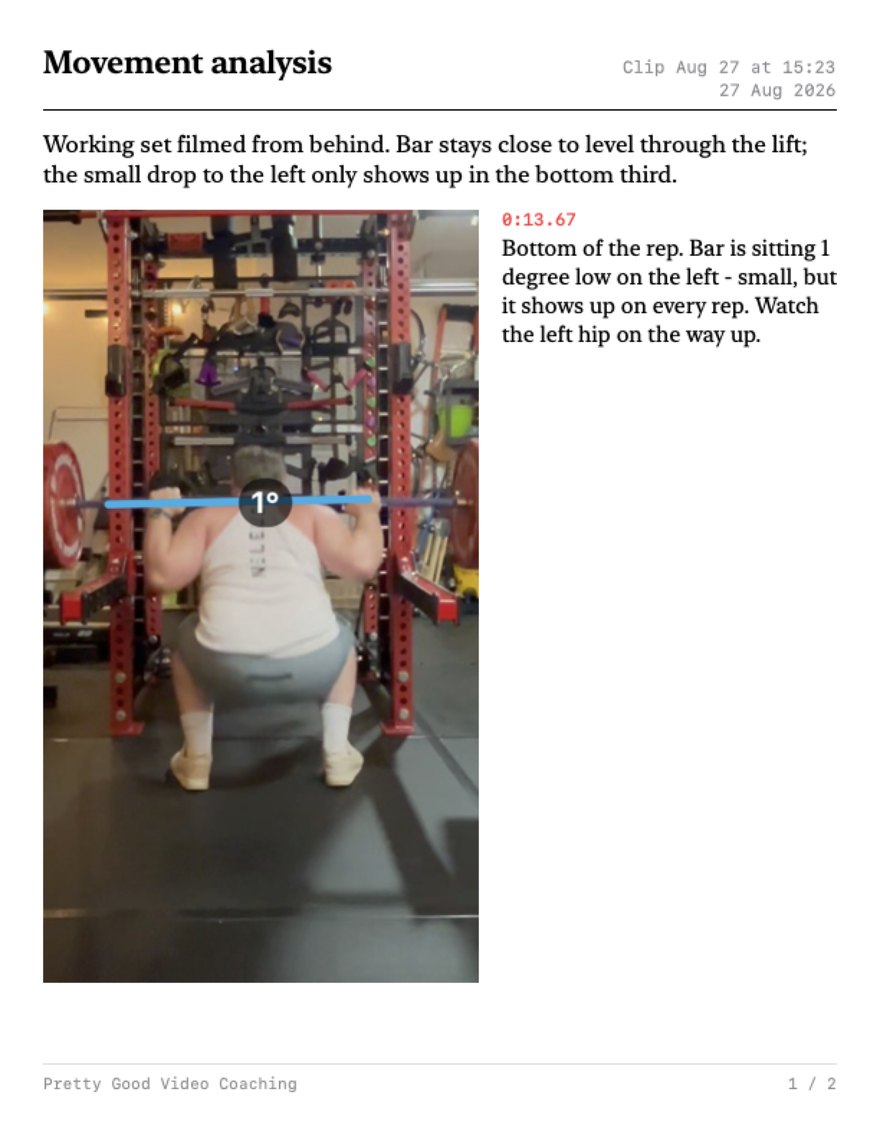
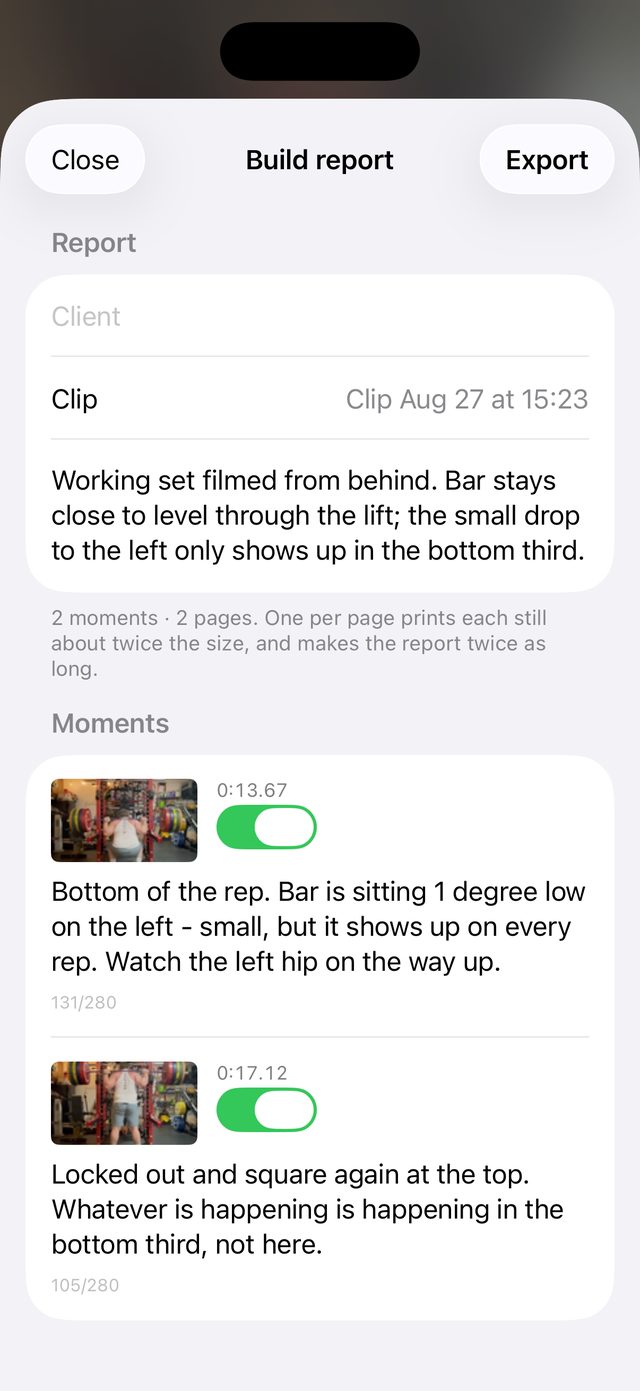
Step to a frame, tap +, and write what they should notice. The report prints each moment with its timecode, your note and the still, re-rendered at print resolution with your marks drawn back in as vectors, not a screenshot of your phone.
Client privacy
No accounts. No cloud. No sign-in.
Clips, drawings and voice notes stay on your iPhone. Nothing about your clients leaves the device.
Now testing
Scan the code and the app is yours. If it asks you to install Apple TestFlight first, install it and then scan again. Opening TestFlight straight from the App Store skips the invite.
Sorry about the extra hop. This is a deliberately small beta, so it runs through TestFlight rather than the App Store. I'd rather have a handful of clinicians I can actually talk to than a download count.